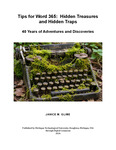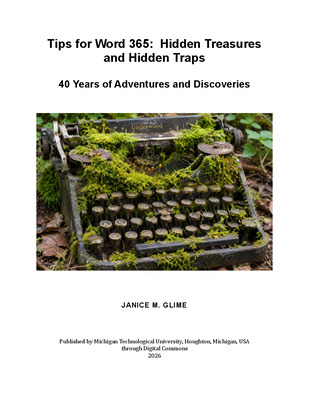

Tips for Word 365: Hidden Treasures & Hidden Traps
This book (affectionately known as Tips) was developed using 40 years of experience with Microsoft Word together with extensive consultation with ChatGPT during my transition from Word 2003 to Word 365. I determined the content, organization, and final wording, but ChatGPT was frequently used to review content for accuracy, suggest approaches, provide explanations, and help refine presentation.
Although this version of Tips reflects current features at the time of writing, instructions may not always apply to older versions or to future updates in which Word has altered menus, commands, or pathways. In particular, cloud synchronization behavior, AI-generated suggestions, and Microsoft updates can alter behavior unexpectedly and users should maintain backups before major formatting operations.
-
3. Working with Long or Complex Documents
Janice M. Glime
10: Commands, Controls, and Automation Tools
11: Templates and Styles – Normal.dotm
13: Spelling, Dictionaries, and Grammar Checking
14: Fonts
15: Using Styles
16: Modifying and Creating Styles
17: Lists and Tables
20: Headers, Footers, Page Numbers, and Sections
21: Outline Levels
-
5. Streamlining Your Workflow
Janice M. Glime
26: AutoCorrect and Reusable text
27: Boilerplates
28: Shortcuts
-
6. Advanced Word Tools and Problem Solving
Janice M. Glime
29: Find/Replace, Sort, and Text Cleanup
32: Fields and Updating Behavior
33: Document Review
34: Cutting, Pasting, and External Sources
37: Large Documents
38: Word Troubleshooting, Environment, and System Interactions